Identify the tool family
Start with Tool Storage or Hand Tools, then narrow to cabinet, cart, bag, organizer, socket set, wrench, driver or torque category.
Resource center
Use this hub to organize manuals, registration notes, warranty questions and dealer requests around the tool categories your crew depends on every week.
Resource roadmap
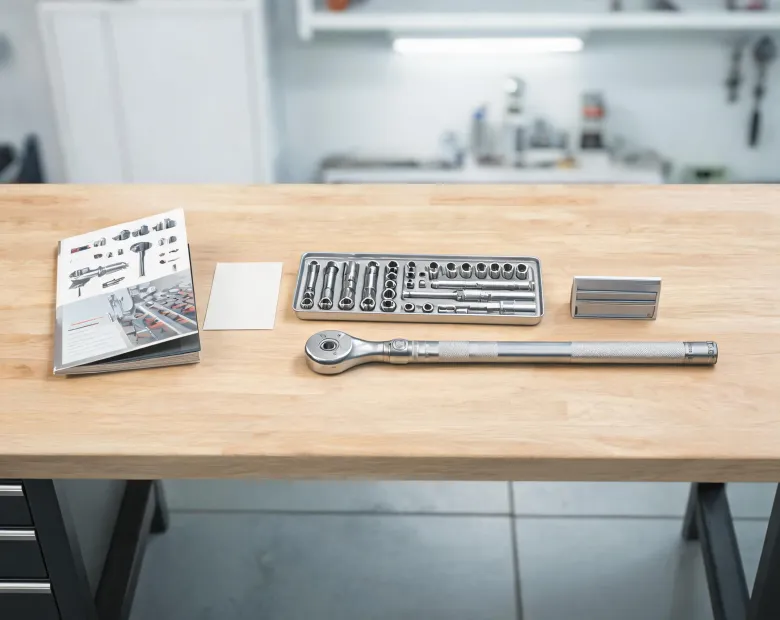
Husky resources are arranged for everyday decisions: which cabinet fits a wall, which socket set belongs in a mobile kit, what model information should be kept and where a warranty or service request should start. The structure helps a buyer, technician or facilities lead move through a repeatable path instead of searching scattered notes each time a product question appears.
Start with Tool Storage or Hand Tools, then narrow to cabinet, cart, bag, organizer, socket set, wrench, driver or torque category.
Record dimensions, drawer count, drive size, purchase source and photos before the tool is spread across a busy workspace.
Route questions about fit, parts, registration or replacement with enough context for a useful first response.
Update the product list after seasonal demand, fleet changes or repeated repairs reveal what the team actually uses.
Resource tracks
Keep assembly notes, cabinet care reminders and hand tool usage references close to the product family they describe.
24/7 access pathPrepare product name, purchase timing and use context before asking about replacement, repair or service routing.
60-second intakeCompare drawer depth, tool set coverage and mobile storage needs before refreshing a bench, bay or service vehicle.
2 core categoriesSupport partners
Build cleaner product lists for storage refreshes, mechanics sets and repeat purchase planning.
Find model references and usage notes without interrupting the workbench during a repair.
Route availability, fit and service questions with enough details to avoid starting over.
Keep support conversations tied to the tool family, location and crew using the product.
Need a resource?
Send the product family, model information and the way the tool is being used. Husky support can help point your team toward the right record, service note or product planning step. Clear details matter: a cabinet drawer question, torque wrench concern and tool bag replacement request each need a different context.